Overview
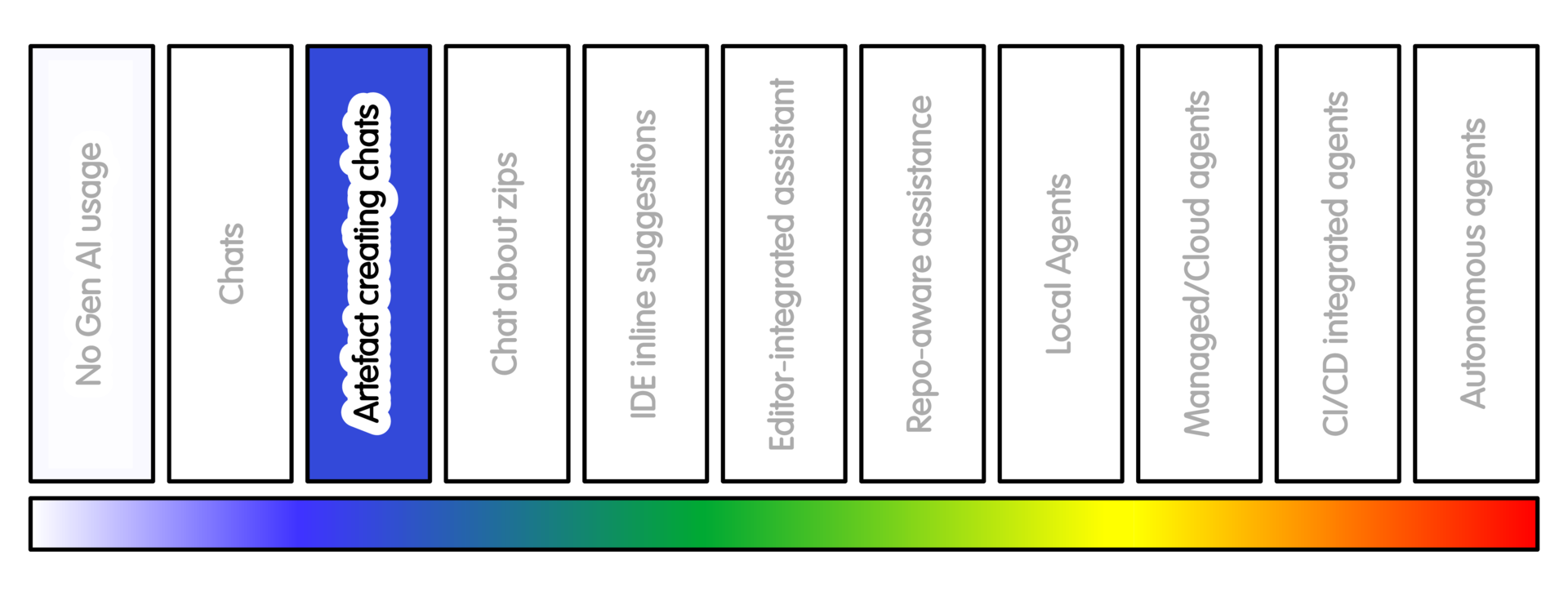
At this position, GenAI creates small artefacts rather than only explanations.
Suitable outputs include a short helper function, a test skeleton, a README paragraph, a docstring, a regular expression, a small data-cleaning example, or a command-line usage snippet.
“Small” here means small enough that you can read every line, explain what it does, and check it against an example you understand.
If the output is too long to review carefully, it is too large for this practice.
This is perhaps best viewed as conversational collaborative creation. The artefact may be small, but the discussion around it may be longer. This is often where the most useful work happens.
The prompt can be lengthy and detailed even when the artefact is small. Often this can require lengthy corrections and updates as part of the discussion. Indeed, this often gives better results because the system has better material to work from.
The same chat systems used for conversational interaction can be used here.
Getting Started
Give the tool the behaviour you want, the constraints, and a request for tests or examples.
Avoid broad prompts such as “write the module”. Prefer a bounded request.
A simple example of this might be:
“Write a function that does X. Use only the standard library. Include three examples covering normal input, missing input and malformed input.”
Often a longer prompt is useful, especially when balancing design constraints.
For example, you might specify:
- the intended audience
- patterns to avoid
- acceptable complexity
- expected length
- performance expectations
- error-handling style
- examples that matter
- assumptions that must not be changed
These details may end up being specified over multiple messages. The conversation gives the tool more useful context.
Do not treat “generated” as the same as “accepted”. Ask for the artefact, read it, challenge it, adapt it, then add it yourself.
This practice works best when you keep talking to the system and probing assumptions:
- why it made choices
- what edge cases it missed
- what assumptions it made
- Can you get a simpler/shorter version
- how it compares against metrics that matter to you
Many people underuse this level because they underestimate the value of the interaction. The point is not to minimise conversation. The point is to keep the generated artefact small enough to understand.
Sample Appropriate Practice
Some simple prompts at this stage might look like this:
-
“Write a Python function that validates these metadata fields. Use only the standard library. Return clear error messages. Include simple pytest tests.”
-
“Draft a README section explaining how to run the test suite. Keep it factual and mark anything you are unsure about.”
-
“Write three possible regression test cases for this bug report. Do not write implementation code.”
-
“Draft a docstring for this function based only on the code below. Mark any behaviour that is unclear.”
A more useful prompt might look like this:
-
“Write a small validation helper for these metadata fields.
Design forces:
- clear code matters more than clever code;
- no new dependencies;
- suitable for researchers who maintain scripts occasionally;
- error messages should help the user fix the input;
- missing values and malformed values should be handled separately.
Keep the function small. Include examples and simple pytest tests. Note any assumptions.”
Concerns/Risks
Asking a model to check its own work can be problematic. The same misunderstandings used to create the artefact are likely used to check it. This can cause problems with generated tests and generated code. It will very likely be internally consistent, but not consistent with what you need.
If the model generates tests, check their scope carefully. This is especially true for BDD-style tests. The tests can simply copy the model’s misunderstanding of the requirements. By contrast a person in the same situation would likely share your understanding of research requirements.
Generated artefacts can introduce dependencies, licence-sensitive copied patterns, hidden assumptions, inefficient code, weak error handling or misleading documentation. It can even generate code that does nothing except take up space and is never called.
Errors in code can be very easy to miss when the output is voluminous and looks idiomatic.
Quality Practice
Treat generated snippets with caution. Like examples in documentation they can gloss over important details.
Check edge cases, error handling, data assumptions, performance, and dependency choices. There can in some circumstances be licensing issues around the output. (This depends on your local jurisdiction)
If the code affects analysis results, compare it against known good results from trusted sources, such as hand-worked examples, known datasets, or domain expectations.
Do not accept generated tests that merely reproduce the implementation’s assumptions.
Tests should ideally come from domain examples or stated requirements, not from the generated code itself.
Do not treat “the generated tests pass” as evidence that the behaviour is scientifically correct.
AI Intensity Considerations
Stay at this level when the artefact is small enough to review, and the conversation is helping you improve it.
Consider lower intensity AI practice when:
- the generated artefact is no longer small enough to review,
- the tool is inventing APIs or assumptions,
- the person interacting with the AI cannot explain the result.
Consider greater intensity AI practice when the task needs selected project context and the files can be shared safely.
A useful rule is to keep generated artefacts smaller than your review capacity. This can mean that this practice is the sweet spot for your research, which should not be underestimated.
Training

Michael Sparks
The University of Manchester / Software Sustainability Institute
Michael Sparks, "Conversational artefact creation (intensity 2)". everse.software. http://everse.software/RSQKit/conversational_artefact_creation .