Overview
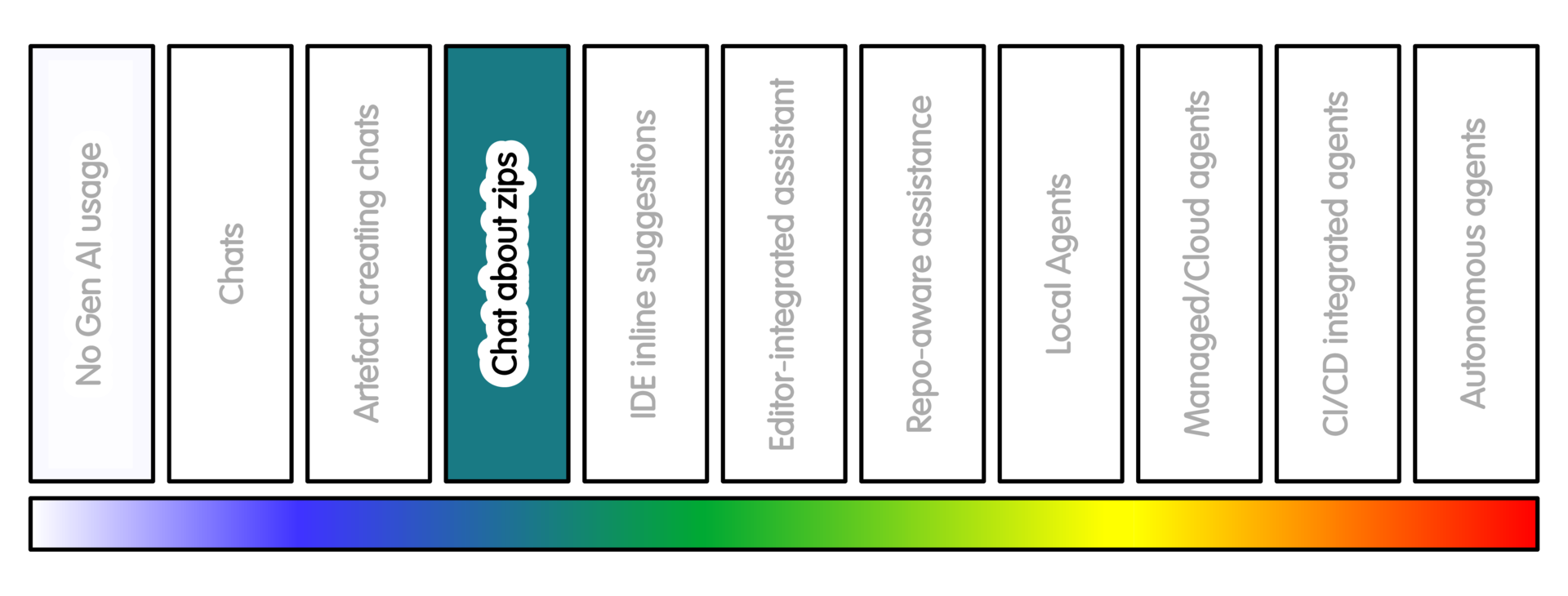
At this position, the tool sees selected project context.
This context is often in the form of zip files, but may be a small group of files, a minimal reproducible example, a failing test log, a diff, and so on.
This can help with code review, documentation review, test suggestions, project-structure explanation, or debugging across a few files.
Some chat systems support direct file upload or project knowledge areas. For example, a user may upload files to ChatGPT or Claude, or use Claude Projects or similar mechanisms to keep selected material available.
This is more useful than pasting isolated snippets.
The important word here is “selected”. The practice is not “upload the whole project”, but choosing the smallest useful context.
Getting Started
First decide what the tool needs to see. Select the smallest context that can answer the question.
Ensure you do not include secrets, tokens, private data, unpublished material and irrelevant generated files.
It can be useful to tell the tool what the files are (unless your prompt is “explain this project”). Tell it what kind of answer you want. Ask it to identify uncertainty. If you are asking for changes, ask for one change at a time, not to patch everything at once.
Practical ways to provide context include:
- paste one short file or function
- upload a small zip containing only relevant files
- create a minimal reproducible example
- provide a failing test log plus the relevant test file
- provide a
git diffbased patch for a specific change - include
README.md, test commands and package metadata where relevant
Avoid uploading the whole repository by default.
Do not include .git, .env, credentials, private datasets, large generated outputs, notebooks with hidden state, or irrelevant build artefacts.
If you create a zip file, double check what is in it before sharing it. If you provide a diff, remember that it only shows changes. It may not include enough surrounding context to judge the change safely.
Sample Appropriate Practice
Some sample prompts at this stage might look like this:
-
“These are the public files for a small research package. Please suggest missing tests and documentation gaps. Do not rewrite code.”
-
“This is a minimal failing example. Explain why the failure occurs. Propose the smallest change that would test the issue.”
-
“This is a
git difffor a proposed change. Please review it for missing tests, unclear behaviour and documentation gaps. Do not suggest unrelated refactoring.” -
“These files are from a public package. Please list the assumptions you can infer. Also list the assumptions you cannot determine from the code.”
A more detailed prompt might look like this:
-
“I am uploading selected files from a small research package.
Context:
- the package is public;
- the task is documentation and test review;
- the scientific algorithm should not be changed;
- new dependencies should be avoided;
- broad refactoring is out of scope.
Please return:
- what you think the package does;
- missing tests;
- documentation gaps;
- assumptions you can infer;
- assumptions that need a maintainer or domain expert.”
Concerns/Risks
The main risks are context leakage and misplaced confidence.
A tool that has seen more files may sound as though it understands the project. It will likely still miss scientific intent, historical decisions, domain conventions or institutional constraints.
More context does not always mean a better answer. It can make the answer more confident. It can make the answer more diffuse and harder to check.
There may be extra costs. These can include time, money, review burden and environmental cost.
The tool may focus on software tidiness. That is not always the same as research correctness.
A suggested refactor may make code look cleaner. It may obscure why the code was written that way.
Quality Practice
Keep the workflow staged.
First ask for analysis. Then ask for possible changes. Then ask for the changes, and review any proposed patch manually.
Check that every recommendation relates to actual files, stated requirements, or explicit assumptions.
You can ask the tool to separate these categories:
- What it can see in the files
- What it is inferring
- What it cannot know
- What needs maintainer or domain review
Again, before sharing files, check for sensitive data. Sensitive data includes: passwords, tokens, API keys, private URLs, personal data, participant data, unpublished results, embargoed material, private notebook comments, local paths, or generated files that are not needed for the task.
Record material AI assistance where it affects analysis code, dependencies, reproducibility or published outputs.
AI Intensity Considerations
Stay at this level when selected project context is enough, and the result still remains small enough to review.
Consider lower intensity AI practice when:
- Context upload creates confidentiality, licensing, provenance or environmental concerns.
- The model becomes more confident than the evidence allows.
Consider greater intensity AI practice when repeatedly describing and editing files becomes the main task, and when the files can be shared safely.
More context can produce better answers. It also increases exposure and the chance of misplaced confidence.
Training

Michael Sparks
The University of Manchester / Software Sustainability Institute
Michael Sparks, "Conversational Creation with Zip Files (intensity 3)". everse.software. http://everse.software/RSQKit/conversational_creation_with_zip_files_etc .